
Viewing the organization page in mobile app
Last updated May 30, 2026
With the mobile app, you can now view your organization’s homepage and even take surveys on the go!
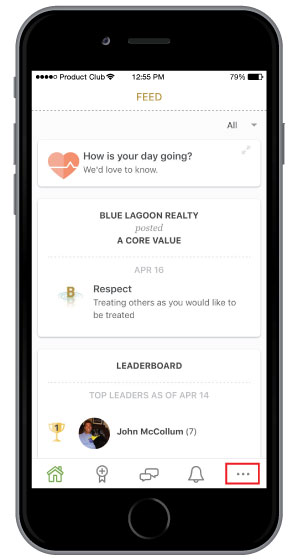
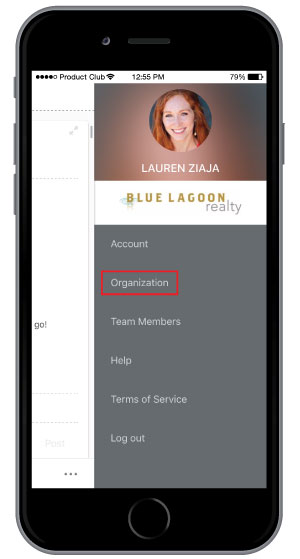
Step 1: Select the more options menu icon at the bottom of your screen then select Organization.
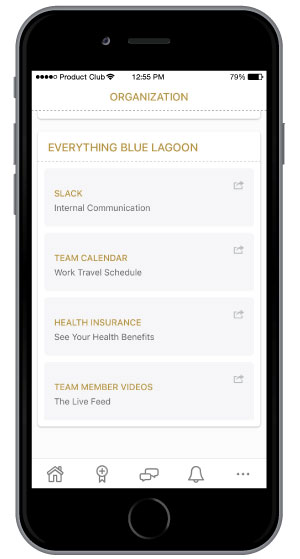
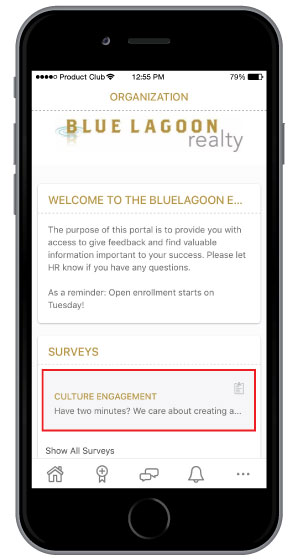
Here you will be able to access your organization’s About Us section, any surveys, as well as Helpful Links. To take a survey, simply select the active survey to start.
That’s it! You’ve now accessed your organization’s homepage.