
Reviewing Employee Engagement Survey Report
Last updated May 30, 2026
You've launched your Employee Engagement Survey, gained respones and are ready for your Employee Engagement Score. Read instructions below to access your Employee Engagement Survey score report.
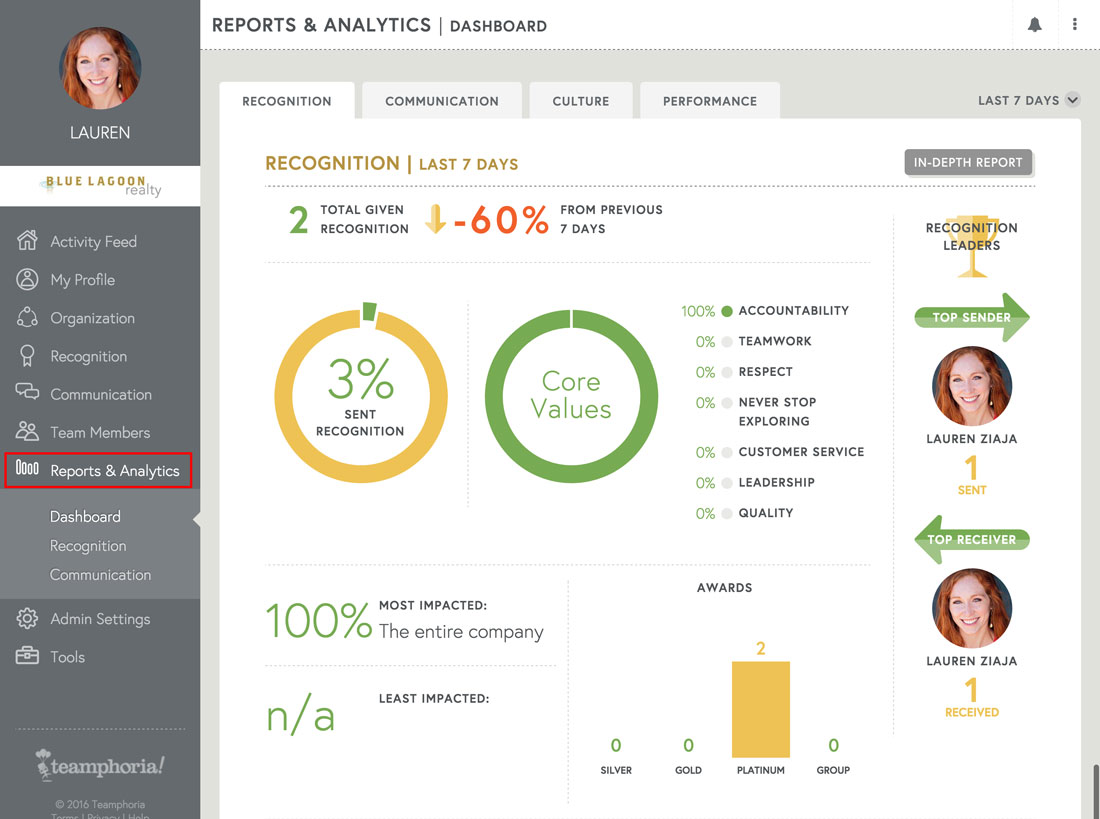
Step 1: Select Reports and Analytics link in the side navigation.
Please note: You must have the role Reporting in order to access your Employee Engagement Survey score report.
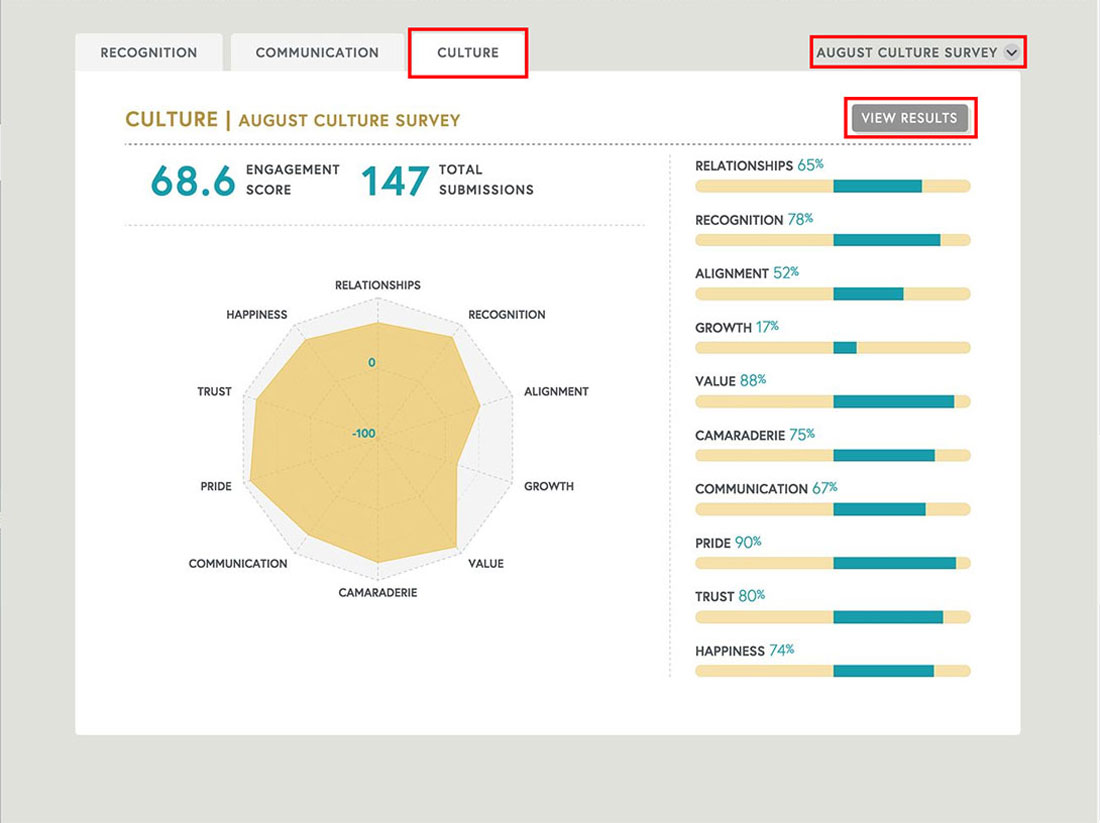
Step 2: Select the Culture tab in reporting to review your Employee Engagement score and in-depth score data. View detailed results by selecting the Results button, or toggle to another survey by selecting the down arrow in the upper right-hand corner of the page.
Launch a new Employee Engagement Survey every few months and revisit the Reports & Analytics section to compare your score changes overtime!